
Start with the purpose
Decide which images or intervals are needed, who will review them and how they will be linked to the correct patient. Recordings complement the operative record. They do not replace clinical documentation.
Review and teaching
Selected clips can support discussion of the same procedural events. Keep clinical context, identify edited intervals and avoid treating a short extract as a complete account. SAGES recommendations address the governance and structure of surgical video data.
Where MVR460 fits
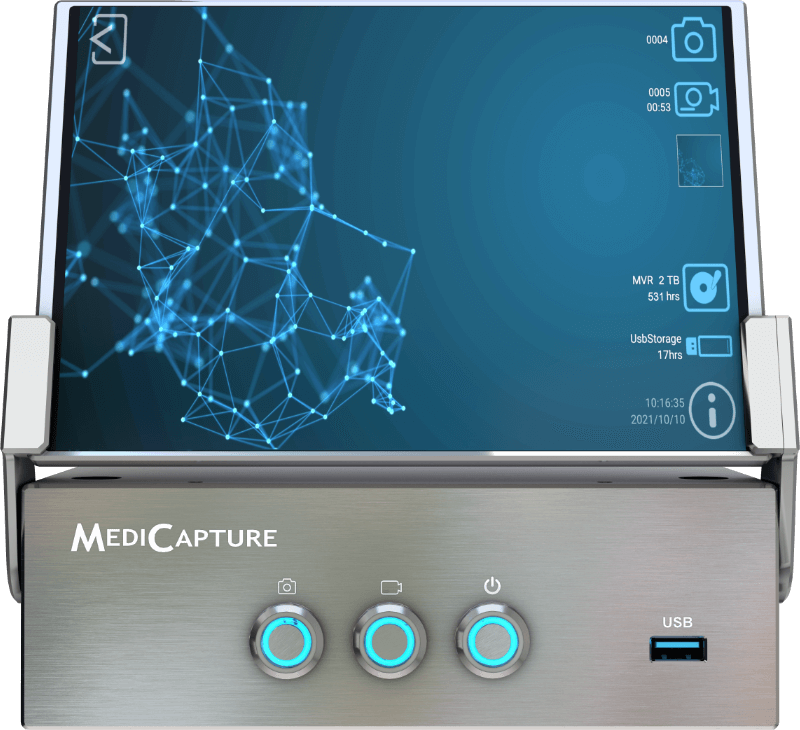
MVR460 combines 4Kp60 recording with an integrated 7-inch touchscreen and a documented 2.1 kg weight. Supported dual sources can be recorded in Parallel or Picture-in-Picture configurations. Smart Workflow supports study review, clip editing, annotation and reporting. DICOM is an activation-key option; test compatibility with the hospital’s systems. Manufacturer specifications
Agree a complete workflow
A practical acceptance exercise follows one simulated case from patient identification and signal checks to recording, review and access from the authorised storage destination. Clinical, nursing, biomedical engineering and IT teams should define their responsibilities together.
Protect the patient
Use appropriate consent or other valid authority, specify purposes and audiences, minimise identifiers and restrict access. Secondary use for teaching, research or publication needs its own assessment. AMA guidance and GMC principles are ethical references, not Thai legislation. Follow local law and hospital policy.
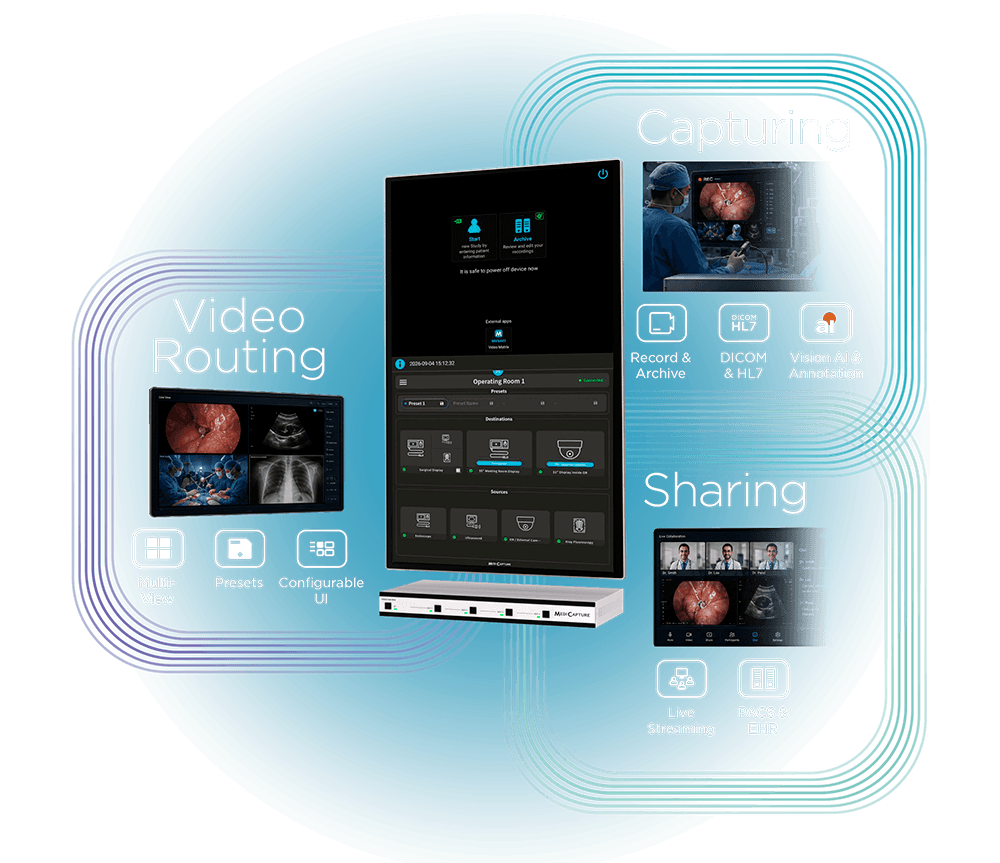
Explore other MediCapture configurations for larger displays or multi-source routing. Product information checked 10 November 2026; recording alone does not establish improved clinical outcomes.
Products in this article
MediCapture MVR460 · 4K recorder
Flagship 4Kp60 recorder with a 7-inch touchscreen, dual-source capture, review, clip editing and reporting.
- Control display
- 7-inch multi-touch
- Selectable inputs
- 2 sources: HDMI 4K / DisplayPort 4K / USB camera 4K / SDI up to 12G
MediCapture · Compare Models & Plan Your System
Compare integrated-display recorders, external-display systems and multi-source routing for your room.
Compare models